

Google isn't "taking" your budget in the sense of skimming it off the top: it's an auction, and you're paying what the auction decided your ad was worth at that exact moment. The feeling that Google is eating your money faster than it should almost always comes down to one of three things: a genuinely competitive auction, a Quality Score problem you don't know you have, or a misunderstanding of how daily budgets are allowed to fluctuate. Click fraud is a real but separate issue, and a much smaller share of cases than people assume.
Key Takeaways
- You never actually pay your maximum bid: Ad Rank decides your position and Google charges the minimum needed to beat the next-best ad, which is usually below your bid.
- Your cost is as much about Quality Score as it is about money: a low expected click-through rate, poor ad relevance or a weak landing page can push your cost per click up even if nobody else is bidding harder than you.
- Google can legitimately spend up to double your daily budget on a single day, but your monthly bill is capped at 30.4 times your average daily budget, so busy days are offset by quieter ones.
- Competitive auctions genuinely cost more: if five plumbers in your suburb are all chasing "emergency plumber near me," the price reflects that reality, not a Google markup.
- Click fraud is possible but rare for most small accounts: before assuming it, rule out the Ad Rank and Quality Score factors above first.
What Actually Decides How Much You Pay Per Click?
Your cost per click is set by Ad Rank, and Google Ads Help is explicit that Ad Rank is calculated twice in every single auction: once to work out whether your ad is even eligible to show at that location (there's a minimum threshold to clear), and again to rank every eligible ad against the others competing for that search (Google Ads Help, 2026).
Six things feed into that number, according to Google Ads Help's own explanation of Ad Rank:
- Your bid: the maximum you're willing to pay. You'll almost always pay less than this.
- Your Quality Score components: expected click-through rate, ad relevance and landing page experience, all measured at the moment of the auction.
- Ad Rank thresholds: the minimum score needed to show at all, which varies by search.
- How competitive the auction is: a bigger gap between your Ad Rank and the next advertiser's means you can win more cheaply; a tighter gap pushes the price up.
- The context of the search: the exact query, the searcher's location, device, time of day and what else is showing on that results page.
- The expected impact of your ad assets: sitelinks, call extensions, and other formats Google estimates will affect performance (and which can also decide whether they're allowed to show).
None of this is Google taking a cut: it's Google deciding the minimum price that beats the advertiser directly below you. That's why the actual amount charged per click (known as the "second-price" mechanic in classic auction theory) is typically lower than your maximum bid, not equal to it.
Why Does My Cost Per Click Keep Changing From One Day to the Next?
Because the auction itself changes every single time someone searches. Google Ads Help notes that Ad Rank is recalculated for every search and every position on the results page: it isn't a fixed number assigned to your ad once and left alone.
That means your cost per click on a Tuesday morning for "electrician Parramatta" can be meaningfully different from the cost on a Saturday night for the same keyword, because:
- Different competitors are active at different times of day and days of the week.
- The searcher's device, location and exact phrasing change the context Google is auctioning against.
- Your own Quality Score inputs shift as your ad's click-through rate and landing page performance are re-measured.
If you're tracking your cost per click daily and seeing it jump around, that's the auction working as designed, not a fault in your account.
Why Did Google Spend Double My Daily Budget Yesterday?

This is one of the most common reasons small business owners feel like Google is "taking too much", and it's a documented, intentional part of how average daily budgets work.
Google Ads Help's guidance on average daily budgets is specific: Google can spend up to twice your average daily budget on any single day when it detects a higher-opportunity day (more searches, more competition for your audience, better conversion likelihood). A $50/day budget could see $100 spent on a Saturday if that's when your customers are searching.
The safeguard is the monthly cap, not the daily one. Google Ads Help states that your charges are capped at 30.4 times your average daily budget per month: 30.4 being the average number of days in a calendar month. So a $50/day average budget caps your month at roughly $1,520, no matter how many "double spend" days happen in between. The days that spend less balance the days that spend more.
If you only check your spend on a single bad day and extrapolate, it will look like Google overcharged you. Check the monthly total against the 30.4x cap before you conclude anything's wrong.
Could My Quality Score Be Quietly Costing Me Money?
Yes. And this is the lever most small business owners have the most control over, yet check the least. Quality Score components (expected CTR, ad relevance, landing page experience) are baked directly into Ad Rank, which means two advertisers bidding the exact same amount can pay very different prices for the same click, purely because one has a tighter match between keyword, ad copy and landing page.
A few patterns that quietly inflate cost per click:
- Broad, loosely-matched keywords pulling in searches your ad isn't a strong fit for, dragging down expected CTR.
- Sending every click to your homepage instead of a page that matches the search intent, which hurts landing page experience.
- Ad copy that doesn't mention the search term, reducing ad relevance.
- Ignoring the Search Terms report, so irrelevant queries keep triggering your ad and dragging your account-level performance down over time.
Tightening these doesn't just improve results: it can directly lower what you pay, because a higher Quality Score strengthens your Ad Rank at the same bid. For the mechanics of building negative keyword lists that clean this up, see our guide on which negative keywords every local service business should add.
Is Competition From Other Advertisers Really Driving Up My Price?
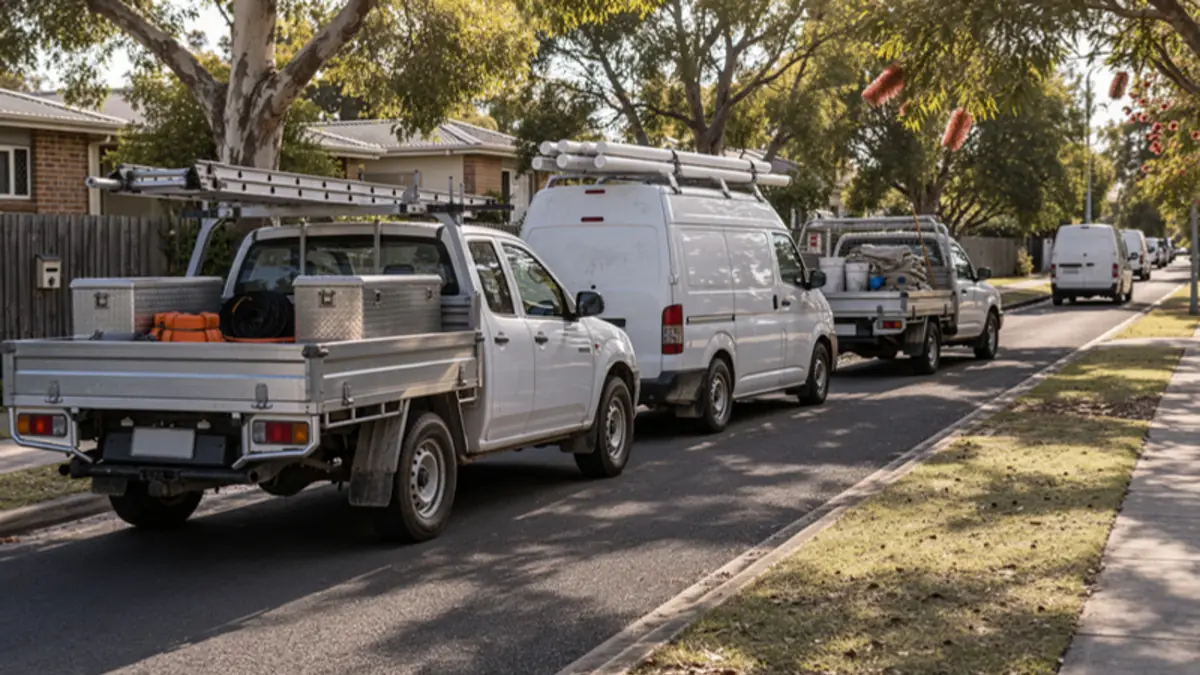
Often, yes, and this is legitimate, not a pricing trick. Ad Rank factors in "how competitive the auction is," and Google Ads Help is clear that a close gap between your Ad Rank and your closest competitor's Ad Rank raises the price needed to win, while a wide gap lets you win more cheaply.
In practice, this shows up as:
- Seasonal spikes: tax agents in June, pool companies before summer, tree services after a storm.
- Category crowding: some suburbs genuinely have four or five well-funded competitors bidding on the same handful of high-intent keywords.
- New entrants raising the floor: if a national franchise starts bidding aggressively in your area, the whole auction gets more expensive for everyone chasing that term.
You can't control your competitors' bids, but you can control where you compete. Narrowing to a tighter geographic radius, focusing on long-tail high-intent phrases, or shifting budget toward call-only ads during peak-demand windows are all ways to sidestep the most contested slice of the auction rather than fight it head-on, especially if you cover more than one suburb or region.
| What raises the price | Example | How to sidestep it |
|---|---|---|
| Seasonal spikes | Tax agents in June, pool companies before summer | Plan budget around peak windows |
| Category crowding | Four or five funded competitors on the same keywords | Long-tail, high-intent phrases |
| New entrants | A national franchise bidding hard in your area | Tighter geographic radius; call-only ads at peak times |
Could Click Fraud Be the Real Problem?
It's possible, but it's a much smaller slice of "my budget is disappearing" complaints than people assume, and it should be the last thing you check, not the first, because Ad Rank, Quality Score and overdelivery explain the vast majority of cases above.
Click fraud (automated bots, competitor click-bombing, or click farms repeatedly clicking your ads with no intent to buy) is a genuine risk for Google advertisers, and it has its own detection signals worth knowing. If you've ruled out the auction mechanics above and you're still seeing spend with no plausible explanation, check for the actual warning signs: repeated clicks from the same IP range, suspiciously short site visits, and spend spikes with zero conversions. Google's own invalid click filtering already catches much of this automatically.
What Can I Actually Do to Bring My Cost Per Click Down?

Short of simply bidding less (which usually just drops your visibility), the levers that genuinely work are:
- Improve Quality Score inputs: tighter keyword-to-ad-to-landing-page matching, every time.
- Add negative keywords consistently, not once at setup, but reviewed weekly against the Search Terms report.
- Use audience signals to narrow who sees your ad in the first place, rather than relying on keyword match alone: see our guide on how better audience targeting cuts wasted Google Ads spend.
- Match your bidding strategy to your actual budget size, rather than defaulting to whatever Google suggests: our Google Ads bidding strategy guide for small budgets breaks down when Maximise Conversions, Target CPA or manual bidding each make sense.
- Accept that some competition is simply the price of being in a valuable category, and compete on relevance and offer instead of trying to outbid everyone.
Frequently Asked Questions
Does Google Ads charge me my maximum bid every time?
No. Google Ads Help's explanation of Ad Rank describes a mechanism where you're charged the minimum amount needed to beat the next-ranked ad, which is typically below your maximum bid, not the bid itself.
Can Google really spend double my daily budget without my permission?
Yes, on individual days: this is documented in Google Ads Help's guidance on average daily budgets, and it's capped by the 30.4x monthly limit, not a daily one.
Is a rising cost per click a sign my account is broken?
Not necessarily. It's more often a sign the auction has become more competitive for your keywords, or that a Quality Score component has slipped. Check both before assuming a fault.
Should I lower my bids if I think I'm paying too much?
Not as a first move. Lowering bids usually reduces your visibility and conversions without fixing the underlying Quality Score or competition issue: fix relevance first.
How do I know if it's click fraud and not just a competitive auction?
Look for patterns the auction mechanics above don't explain: repeated clicks with no conversions from narrow IP ranges, implausibly short site visits, or spend spikes that don't track with any seasonal or competitive change.
Will a Google Ads agency stop this from happening?
A specialist can tighten the Quality Score and competition factors that are within your control (structure, negatives, bidding strategy, audience signals) but no one can remove the auction itself. The goal is paying a fair price for a well-matched auction, not escaping the auction.
What This Means for Your Business
If you've read this far and you're still unsure whether your account's spend pattern is normal or a genuine problem, that's exactly the kind of diagnostic work we do inside Google Ads management: auditing Quality Score, auction competitiveness and budget pacing before touching a single bid. We don't promise to make Google cheaper than the auction allows; we promise to make sure you're not paying more than the auction requires.
Book a Google Ads account review at ozmedia.digital/booking and we'll tell you plainly whether your spend is explained by competition and Quality Score, or whether something's actually wrong.