 OZ Media Digital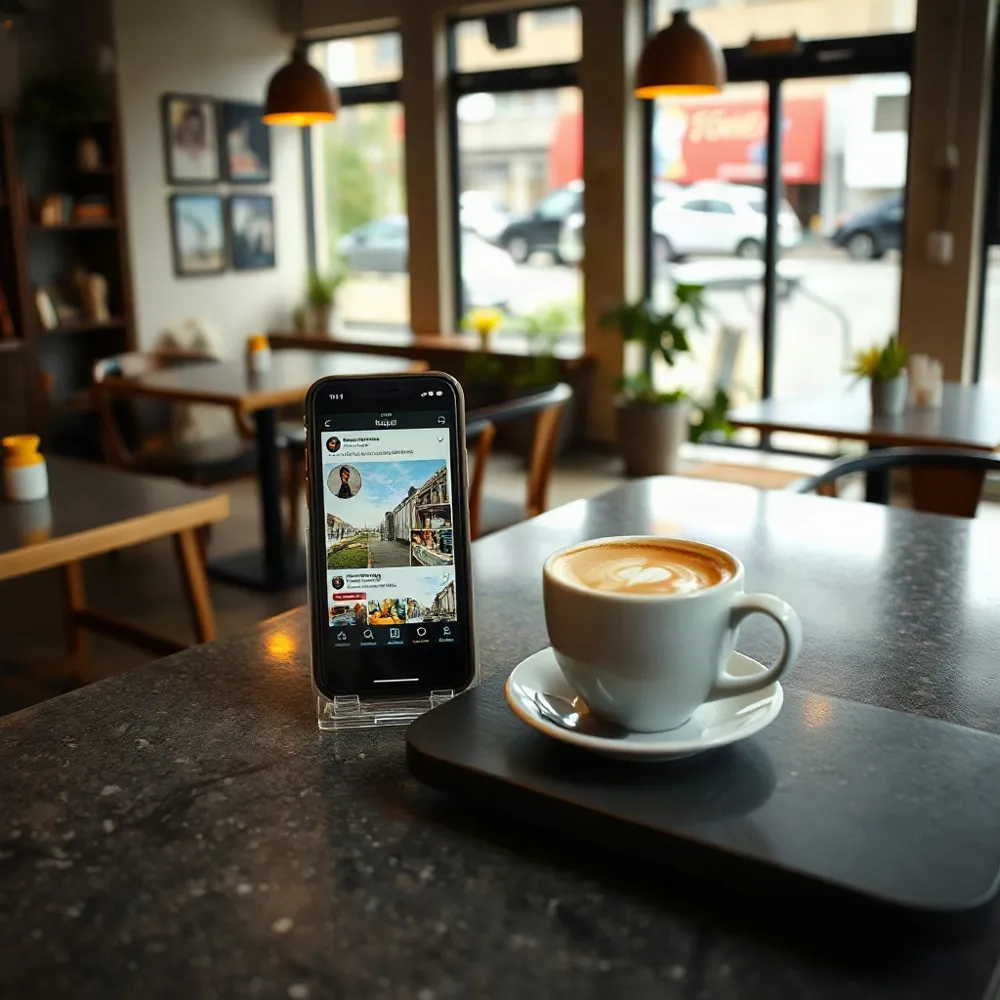
A Simple Post Can Start a Visit
Choosing a café can start with a quick scroll. Someone might check Instagram for a brunch photo, search Google for a place nearby, read a review or ask a friend where to go. Your social posts can help shape that first impression before a customer walks through the door.
You do not need a big marketing budget to stay visible. A clear photo of the day’s special, a short clip from the coffee machine or a post that names your suburb can give nearby people a reason to consider stopping in. Keep your location, opening hours and menu easy to find, too, so interest can turn into a visit.
This guide focuses on practical ways to make that effort manageable: share useful, locally relevant content, give customers a simple next step and pay attention to what earns genuine responses. For cafés that need help connecting social posts with local search visibility, OZ Media Digital’s local SEO guide for cafes covers Google Business Profile and other ways to help nearby customers find a venue.
Make Your Café Easy to Find
Make Your Café Easy to Find
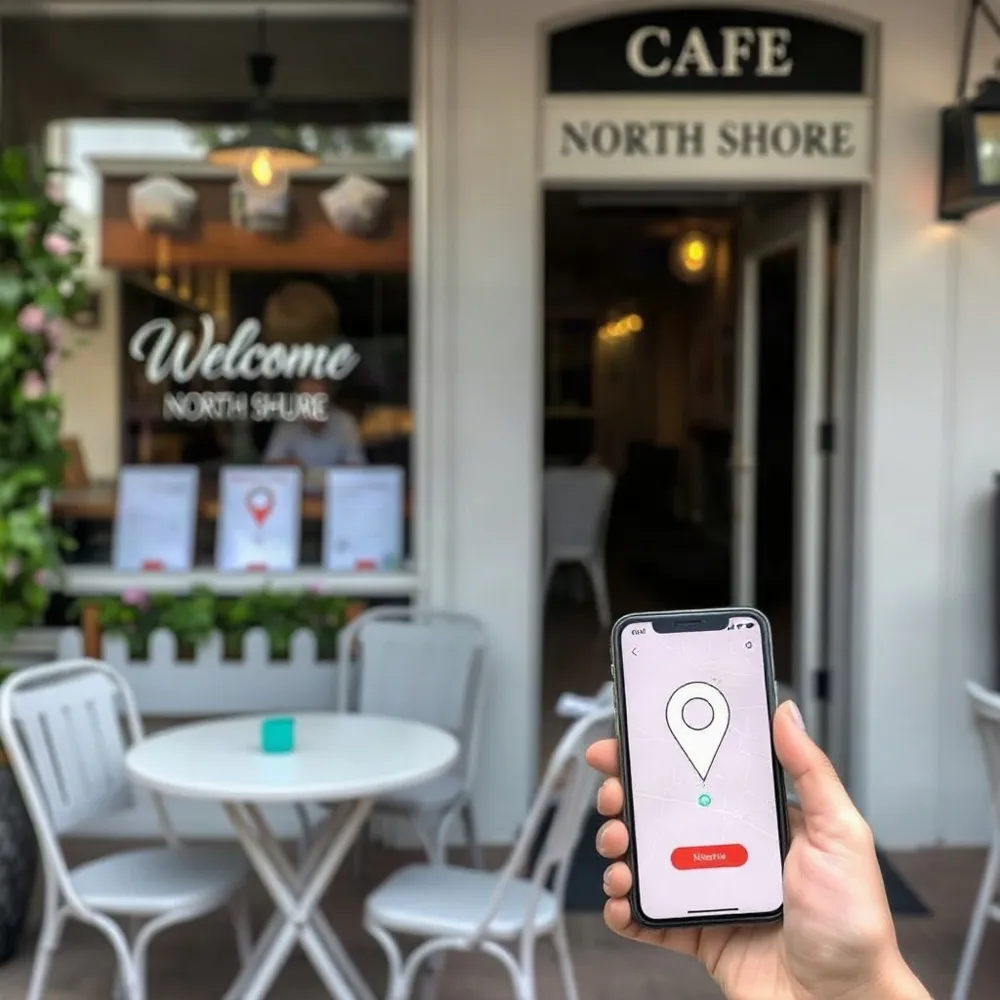
A post can catch someone’s eye, but they still need to work out where you are and whether you’re open. Local discovery matters: searches such as “café near me” or “brunch in [suburb]” may put a nearby café on a potential customer’s shortlist. Make the next step easy by keeping your social profiles complete and consistent.
Check that each profile shows your suburb or street address, current opening hours, phone number and website. Add a direct link to your menu or ordering page, so people don’t have to hunt for basic details. OZ Media Digital’s local SEO guide for cafés covers how accurate local information supports discovery across search and maps.
Social profiles, Google Maps, customer reviews and your Google Business Profile can work together. Someone might spot a dish on Instagram, check your location and hours on Maps, then read reviews before deciding to visit. Keep your profile up to date, and make sure changes to hours, contact details or menus are reflected wherever customers are likely to look.
Give posts a local clue as well as a food photo. Mention your suburb naturally, add a location tag and refer to nearby landmarks or activities when they genuinely help people picture the visit. For example, a café near a popular walking track could post that it’s an easy stop for coffee afterwards. A venue near offices might highlight a quick lunch special for workers nearby.
Avoid treating every suburb as if it has the same customers. A family-friendly brunch message may suit one neighbourhood, while fast takeaway could be more relevant near a busy business district.
Build a Manageable Posting Rhythm
A burst of posts followed by weeks of silence is hard to maintain and can leave your café’s social pages looking neglected. A steady rhythm gives customers a more reliable sense of what’s happening, but there is no single posting frequency that suits every café.
One café marketing guide suggests starting with three to five posts a week, but treat that as a starting point, not a platform rule or a promise of results. Choose a pace your team can keep up without pulling attention away from service.
A simple shared calendar can keep ideas, planned dates and staff responsibilities in one place. Note who will take a photo, write the caption and publish each post, so the plan does not depend on one person being rostered on. A shared spreadsheet or calendar is enough to get started.
Plan posts around the café’s real activity. A breakfast special may make sense before the morning rush, while a lunch offer should appear early enough for nearby workers to see it. If you have a weekend event or special, announce it ahead of time and share a reminder closer to the day.
Before settling on a schedule, track how long it takes to plan posts, take usable photos, write captions and publish them. Try doing some of this during quieter periods, then assign clear responsibilities so the work fits the roster. If the plan regularly slips, reduce the frequency rather than treating every missed post as a fresh campaign to catch up on.
A repeatable routine takes the pressure off inventing something new every day. Keep a small bank of ideas, such as a regular staff introduction, a weekly special or a behind-the-scenes moment, and use the calendar to rotate them. Consistency comes from a workable process, not from posting at a pace your team cannot sustain.
Turn Everyday Café Life Into Content
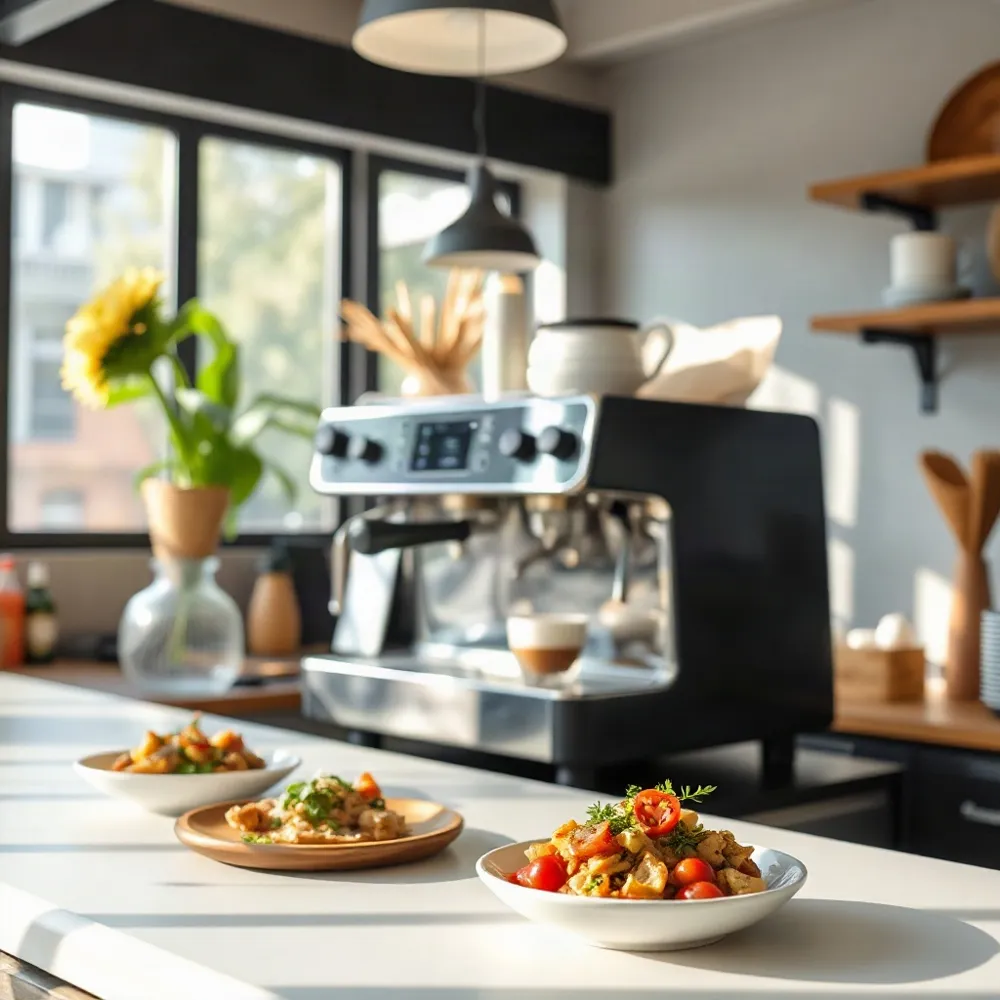
You don’t need a staged shoot to make useful café content. A signature dish, milk being steamed, the morning special going on the board, a staff member preparing orders or a lively corner of the dining room can all give people a feel for your café.
Try a short video of a coffee being made, a carousel showing a dish from different angles, or a Story with today’s special and a quick poll. Pick the formats your customers already use, rather than trying to post everywhere. A simple shared folder of photos and clips can give you material to draw on when service gets busy.
A little context makes a food photo more useful than an image with no explanation. Mention what the dish is, when it’s available and, where it helps, its price or how to order. A short note about a seasonal ingredient, the person who made it or the local supplier behind it can turn a menu update into a small story.
Keep the visuals clear and appetising. Use natural light near a window when possible, check that the dish is in focus and try a few angles before choosing a shot. You don’t need elaborate equipment, but blurry photos, dim lighting and awkward framing can make good food hard to see.
Everyday details can also show what makes your place part of its neighbourhood. Share a staff introduction, a glimpse of an event, a seasonal menu change or a local supplier’s produce.
Customer photos and reviews can add another perspective, especially when they show a real visit or favourite order. Ask before reposting someone’s image, credit them clearly and follow the platform’s rules. Replying to tags, comments and messages also gives customers a reason to feel involved, rather than making the page a one-way noticeboard.
Make the basics easy to spot: name the dish or drink, note whether a special is limited, and include practical details such as opening hours or ordering options when relevant. Local cues, including your suburb or a nearby landmark, can help someone decide whether a visit fits their plans.
To see what is worth repeating, look beyond likes. Notice which posts prompt questions, menu checks, orders or visits, then make more of the formats and subjects that suit your café and customers.
Make Social Media a Conversation
A café’s social pages work best as an open line to the people who visit, not just a noticeboard for specials. Reply to comments and direct messages in a friendly, useful way, just as you would answer a question at the counter. A prompt response can clarify details and help someone decide whether your café suits their plans.
Keep participation simple. Ask which of two specials followers would order, add a poll to a Story, or invite customers to share a photo from their visit. When someone tags the café, thank them. If you want to repost their photo or video, ask permission first and credit the person clearly.
Customer recommendations and positive reviews can give prospective visitors a more personal sense of the food, service and atmosphere. Invite feedback without implying that a comment or review guarantees repeat visits or sales. If you share a review, keep its meaning intact and follow the platform’s rules.
When the team is busy, make common questions easier to handle. Enable messaging where it suits your café and prepare short replies about opening hours, menu options and bookings. Check that those answers stay current, especially when hours or specials change.
Set an interaction routine your staff can manage, such as checking messages at quiet moments or assigning one person to review them during a shift. Consider using automated tools like chatbots or scheduled responses to help when staff are busy. The aim is to make it easy for customers to connect, not to chase every trend or answer every comment instantly.
Use Local Offers and Partnerships Thoughtfully
A special can give someone a timely reason to stop in, especially when it lines up with a quieter trading period. A seasonal drink, a lunch offer or an update about a nearby event can all work as social content, but none guarantees extra visits.
Start with the café’s actual need. If afternoons are slow, a limited offer for that window may make more sense than discounting a popular breakfast service. Check ingredient, labour and serving costs before posting, and make the terms clear so customers know when the offer applies.
Local partnerships can add useful context and introduce your café to people who already spend time nearby. Share a neighbouring shop’s event, promote a community fundraiser or invite a local food creator to try a new menu item. The relationship should feel relevant to both audiences, not like a forced exchange.
Agree on the practical details before anything goes live: what each partner will post, when it will appear, and whether images or videos can be reused. Get permission before resharing a creator’s content, and credit them as agreed.
To see whether a collaboration leads to action, offer a simple code or mention-only special that staff can record at the till. You could also track enquiries or bookings linked to a dedicated page. A few likes may show that people noticed the post, but they do not confirm that anyone visited.
For a café testing a local offer, the useful distinction is having a planned campaign and a way to assess responses, rather than boosting posts without a clear purpose.
Treat creator and campaign results as examples, not promises. A large follower count does not necessarily mean a local audience will visit, and a promotion that works for one venue may not suit another café’s location, offer or margins. Start small, record what happens and repeat only what makes sense for your business.
Spend Carefully and Measure Real Outcomes

A paid post is worth testing when it has a clear purpose, not simply because it is easy to boost. Start with a post that has already earned a useful response from local followers, then try a modest budget and one clear call to action, such as viewing the menu or booking a table. OZ Media Digital’s approach puts strategy before ad spend, helping small businesses avoid paying to promote content without a defined next step.
Keep the audience close enough to visit. One café marketing source suggests a radius of roughly three to eight kilometres, but the right area depends on your location, transport options and where regulars come from. A café beside a station may draw people from further away than one serving a residential pocket. Retargeting people who have engaged with your posts or visited your website is another option, though a small café does not need to use it before its basic campaign is working.
Make each post easy to act on. Link a special to your online menu or website, update your Google Business Profile, or add an in-store QR code that takes customers to a relevant page. Email or SMS follow-ups and loyalty activity can also help turn a first visit into a reason to come back. OZ Media Digital offers AI-powered follow-up and review-request automation for businesses that want to keep enquiries from being missed.
What should you measure?
Likes can show that a post caught attention, but they do not tell you whether it brought in trade. Choose a few measures that fit the post, such as menu views, enquiries, bookings, takeaway orders or customers mentioning an offer. Platform insights can show how people interacted with content, while tagged links, often called UTM links, can help identify visits to a website from a particular campaign.
Keep a simple record of the post, spend, audience and outcome. Review it regularly, then test one change at a time, such as a different photo, caption or format. Repeat the approaches that lead to useful actions and stop spending on those that do not. Results may vary by café and campaign, so treat any agency’s return-on-investment figure as its own reported experience, not a promise of what your café will earn.
Keep the Plan Realistic for Your Team
Café marketing has to fit around service, staffing and costs. Tight margins and variable foot traffic can make a large campaign feel out of reach, but a useful social presence does not need one. A small, repeatable plan is easier to keep going than a burst of activity that leaves the team stretched.
Build content capture into normal work where it makes sense. During a quieter moment, a staff member might take a quick photo of the cabinet, a special being prepared or the café ready for the morning rush. Keep the process simple, and agree on shared access to the photos and posting notes. That way, the plan does not depend on one staff member who may be away or change roles.
Choose platforms by thinking about where your customers already spend time, then match the format to the channel. A clear photo and a short caption may suit one post; a quick preparation clip or a poll may work better elsewhere. There is no need to publish everywhere if the team cannot maintain it. OZ Media Digital’s social media marketing service focuses on consistent, on-brand content and Facebook and Instagram ad management, rather than asking a small business to be active on every platform.
Start with the tools already at hand: a phone, natural light, accurate profile details and a modest calendar of post ideas. Make sure your opening hours, location and menu link are current, so an interested local can work out what to do next. Professional photography or paid promotion can be considered later, when there is a clear need and budget. OZ Media Digital also places strategy before ad spend, helping businesses decide what a campaign should achieve before money goes into promotion.
Before publishing, use a simple test: would this be useful or appealing to someone nearby, is it easy enough for the team to produce, and does it point to a next step you can observe? That step might be checking the menu, asking about a special or visiting the café. If a post takes too much effort or has no clear purpose, simplify it or leave it for another time.
Keep It Local and Keep Learning
A café’s social media does not need to be elaborate to be useful. A few clear posts about the menu, the people behind it and what is happening nearby can give potential customers a better feel for the place. Keep the pace manageable, and make sure the details, such as opening hours and location, are up to date.
Start with posts your team can make during an ordinary week, then take time to reply to comments and messages. Notice which posts lead to questions, menu views, orders or people mentioning they saw you online. Likes can offer a clue, but they do not show on their own whether social activity is bringing customers through the door.
OZ Media Digital’s social media service includes content planning and Facebook and Instagram ad management, while its local SEO guide for cafés explains how social activity can sit alongside local search visibility. Whichever tasks you handle in-house, review what seems useful, try a small adjustment and keep what fits your café and your team. There is no need to promise a particular return: steady, practical testing helps you make better decisions over time.